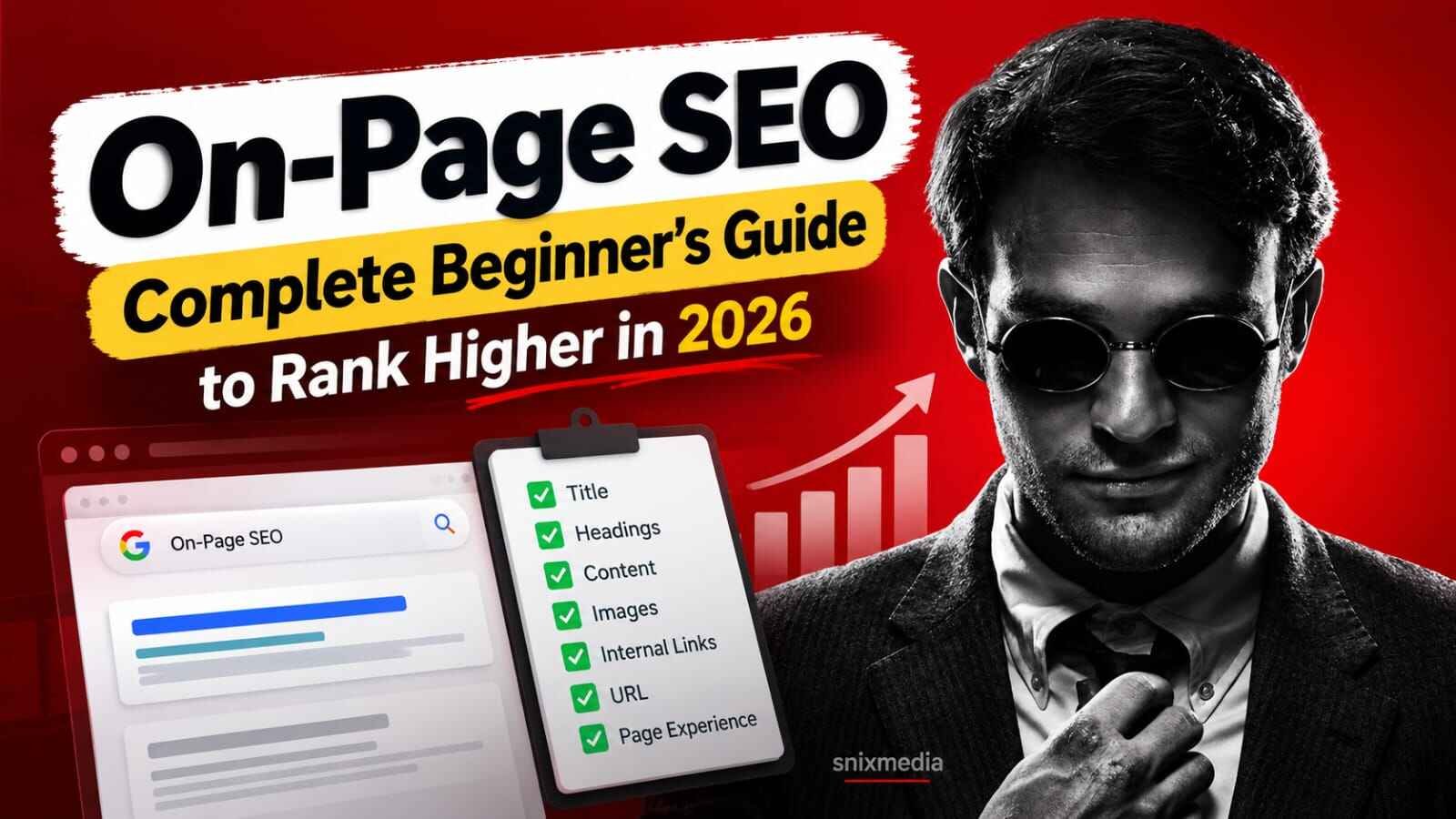
A Practical On-Page SEO Guide for Beginners
You published a blog post, shared it on WhatsApp, and then… nothing. No traffic, no clicks, not even an impression in Google. Very common problem, and most of the time the fix is not “more backlinks” or “more posts”. It is on-page SEO.
On-page SEO is the practice of optimising everything on your own page (content, titles, headings, URLs, images, links and page experience) so that Google and readers can clearly understand what the page is about and why it deserves to rank.
In this guide, you will learn what on-page SEO includes, how to optimise a page step by step, which mistakes hurt beginners most, and a checklist you can use before every publish. Examples are kept relevant to Indian bloggers, freelancers and small businesses.
What Is On-Page SEO?
Think of Google as a very fast reader with no patience. It lands on your page and quickly tries to answer three questions:
On-page SEO is how you answer those three questions clearly.
Why on-page SEO matters in 2026
Search results now include AI-generated overviews, featured snippets and rich results alongside the normal blue links. Google’s own guidance on this says the same basics still apply: create helpful, reliable, people-first content and make it easy for Google to crawl and understand.
On-Page vs Off-Page vs Technical SEO
| Type | What it covers | Example tasks |
|---|---|---|
| On-page SEO | Content and page elements you control | Title tag, headings, internal links, image alt text |
| Off-page SEO | Signals from outside your site | Backlinks, brand mentions, digital PR |
| Technical SEO | Site infrastructure | Sitemap, robots.txt, indexing, Core Web Vitals, HTTPS |
The three overlap. For example, page speed is partly technical, but it directly affects the on-page experience.
If you want the bigger picture first, read our guide on what SEO is and how it works .
How to Do On-Page SEO: Step-by-Step
Here is each step in practical detail.
Choose one primary keyword for the page
Every page should have one main topic. For example, a Pune-based digital marketing freelancer might target “digital marketing freelancer in Pune” on a services page, not on a random blog post.
Why it matters: If two of your pages target the same query, they may compete with each other. This is commonly called keyword cannibalisation.
Find a keyword with realistic difficulty for your site, then map one keyword to one page.
Need help choosing keywords? Read our keyword research for SEO beginners guide .
Match the search intent
Search intent is the reason behind a search. Someone searching “on-page SEO checklist” probably wants a checklist. Someone searching “SEO agency in Delhi” is more likely looking for a service provider.
How to check intent: Search your keyword and inspect the top-ranking results. Are they guides, service pages, comparisons, product pages or videos?
Write a strong title tag
The title tag is the clickable headline commonly shown in search results. Google may also generate or rewrite title links when it believes another version represents the page better.
- Put the primary keyword near the beginning naturally
- Keep the title concise and useful
- Make it specific instead of vague
- Use a unique title for every important page
SEO Tips | Home | Blog
On-Page SEO Guide for Beginners (2026 Checklist)
Write a meta description that earns the click
Meta descriptions are not a direct ranking factor, but Google may display them below the title in search results.
Write a concise description that explains what the page offers, naturally uses the topic or keyword and gives searchers a reason to click.
Structure the page with headings
Use one main H1 for the page topic. Use H2 headings for major sections and H3 headings for supporting topics inside those sections.
Write content that fully answers the query
Content is the core of on-page SEO. Answer the primary question early and then go deeper into related questions.
- Give a direct answer early
- Cover logical follow-up questions
- Add examples, screenshots, tables or steps
- Update information when it changes
Clean up your URL
Short, readable URLs are easier for humans to understand and share.
snixmedia.in/p=4821
snixmedia.in/on-page-seo-beginners-guide-2026/
Use hyphens between words and avoid unnecessary words. Avoid changing the URL of an already published page unless you have a valid reason and implement an appropriate redirect.
Optimise images
Images support your content and may also help your pages appear in image search.
- Compress images before uploading
- Use descriptive file names
- Write descriptive alt text
- Use efficient formats such as WebP when appropriate
Add internal links
Internal links connect your pages and help readers and search engines discover related content.
Aim for relevant links rather than adding them just to reach some imaginary magic number.
For example, someone building a new site can continue with our SEO for a new website guide .
For marketers trying to speed up research and content workflows, check our list of free AI tools for digital marketing in India .
Check page experience before publishing
Core Web Vitals currently focus on loading performance, responsiveness and visual stability.
Indian audiences browse heavily on mobile, so check the real mobile version rather than assuming that a page that looks fine on a laptop is also fine on a phone.
Core On-Page SEO Elements Explained
Now that the steps are clear, here is a quick reference for the elements you will touch most often.
Content quality and E-E-A-T
E-E-A-T stands for Experience, Expertise, Authoritativeness and Trustworthiness. It is a framework used in Google’s quality evaluation guidance, not a single ranking switch.
Show who created the content, cite useful sources, avoid exaggerated claims and be clear about limitations.
Featured snippet-friendly formatting
Use concise answers under relevant question-style headings where it makes sense. Lists and compact tables can also make information easier to extract and easier for readers to scan.
Schema markup
Structured data can help search engines understand eligible page types. SEO plugins such as Rank Math can generate common schema types.
FAQ content can still help readers even when it does not generate a special rich result.
Mobile usability
Make text easy to read, buttons easy to tap and ensure important content is available on the mobile version of your site.
Outbound links
Link to reliable sources when they genuinely help readers understand or verify a claim. Do not add random external links just to make the article look researched.
On-Page SEO Checklist
Use this before pressing Publish.
| Task | Priority | When to Do It | Status |
|---|---|---|---|
| One clear primary keyword chosen | High | Before writing | ☐ |
| Search intent checked against top results | High | Before writing | ☐ |
| Title tag unique and specific | High | While writing | ☐ |
| Meta description written | Medium | After writing | ☐ |
| Logical H1, H2 and H3 structure | High | While writing | ☐ |
| Direct answer placed early | High | While writing | ☐ |
| Short, readable URL | Medium | Before publishing | ☐ |
| Images compressed, named and given alt text | Medium | Before publishing | ☐ |
| Relevant internal links added | High | After writing | ☐ |
| Useful external references added where relevant | Low | After writing | ☐ |
| Mobile page and Core Web Vitals checked | High | Before publishing | ☐ |
| Page checked in Search Console after publishing | Medium | After publishing | ☐ |
Common On-Page SEO Mistakes to Avoid
Keyword stuffing
Repeating the same keyword unnaturally makes the page difficult to read. Use your primary term naturally and include related language where it makes sense.
Targeting the wrong intent
Even a well-designed page can struggle if its format does not match what searchers want.
Duplicate or weak titles
Give important pages descriptive, unique titles rather than repeating the same generic title across the site.
Ignoring internal links
Relevant internal links help users discover related content and help search engines understand relationships between pages.
Heavy images
Oversized images can hurt loading performance, particularly for mobile users. Resize and compress before uploading.
Publishing thin content
A publishing schedule is useless if every article barely answers the query. Content quality matters more than pumping out pages for the sake of it.
Never updating old posts
Review important pages periodically and improve outdated facts, examples, links and sections that are underperforming.
How to Measure Whether Your On-Page SEO Is Working
Do not judge SEO after two days. Indexing and ranking can take time and results depend on competition, website authority and content quality.
Use Google Search Console to check:
Is your page appearing in Google Search?
Which searches are triggering your page?
If impressions grow but clicks remain weak, review the title and search snippet.
Track whether relevant queries improve over time.
Frequently Asked Questions
What is on-page SEO in simple words?
On-page SEO is the process of improving the content and elements on your own web page so search engines understand it better and users find it more helpful. It includes titles, headings, content, URLs, images and internal links.
What are the most important on-page SEO factors?
Important areas include matching search intent, publishing useful content, writing a clear title, structuring headings logically, adding relevant internal links, optimising images and providing a strong mobile experience.
How long does on-page SEO take to show results?
It varies. A page can be discovered or indexed relatively quickly, while meaningful ranking changes may take longer depending on the website, competition, query and quality of the page.
Are meta descriptions a ranking factor?
Meta descriptions are mainly useful for describing the page in search snippets and encouraging relevant users to click. Google may also generate a different snippet from the page when it better matches a query.
How many times should I use the keyword on a page?
There is no universal ideal number. Use your primary keyword where it naturally helps describe the page and use related terms where they improve clarity. If your wording starts sounding robotic, humans have once again managed to over-optimise a perfectly normal sentence.
Do I need on-page SEO if my website is brand new?
Yes. It is one of the main areas a new website can control directly. Clear content structure, relevant keywords, useful pages and strong internal linking give search engines better signals about your site.
Continue with our SEO for a new website guide .
Can AI tools help with on-page SEO?
AI tools can assist with research, outlines, idea generation and structure checks. Facts, examples and recommendations should still be reviewed before publishing.
See our list of free AI tools for digital marketers in India .
Conclusion
On-page SEO comes down to one idea: make each page clear for search engines and genuinely useful for the reader.
Pick one keyword, match intent, write a clean title and structure, add internal links, optimise images and test the page on mobile.
Once the page itself is properly optimised, the next step is choosing the right keywords.
Read the Keyword Research Guide →
Leave a Reply